Unified LAN entry point
Team members connect to the internal address http://local-ip:18080/v1, so each PC does not need its own external API configuration.
Deploy an enterprise local gateway on a Linux PC. Team PCs access the local gateway over LAN with LinkAI Local API Keys, and the Linux PC connects to LinkAI ModelHub with one LinkAI API Key.
Compare direct API access with the enterprise local gateway deployment.
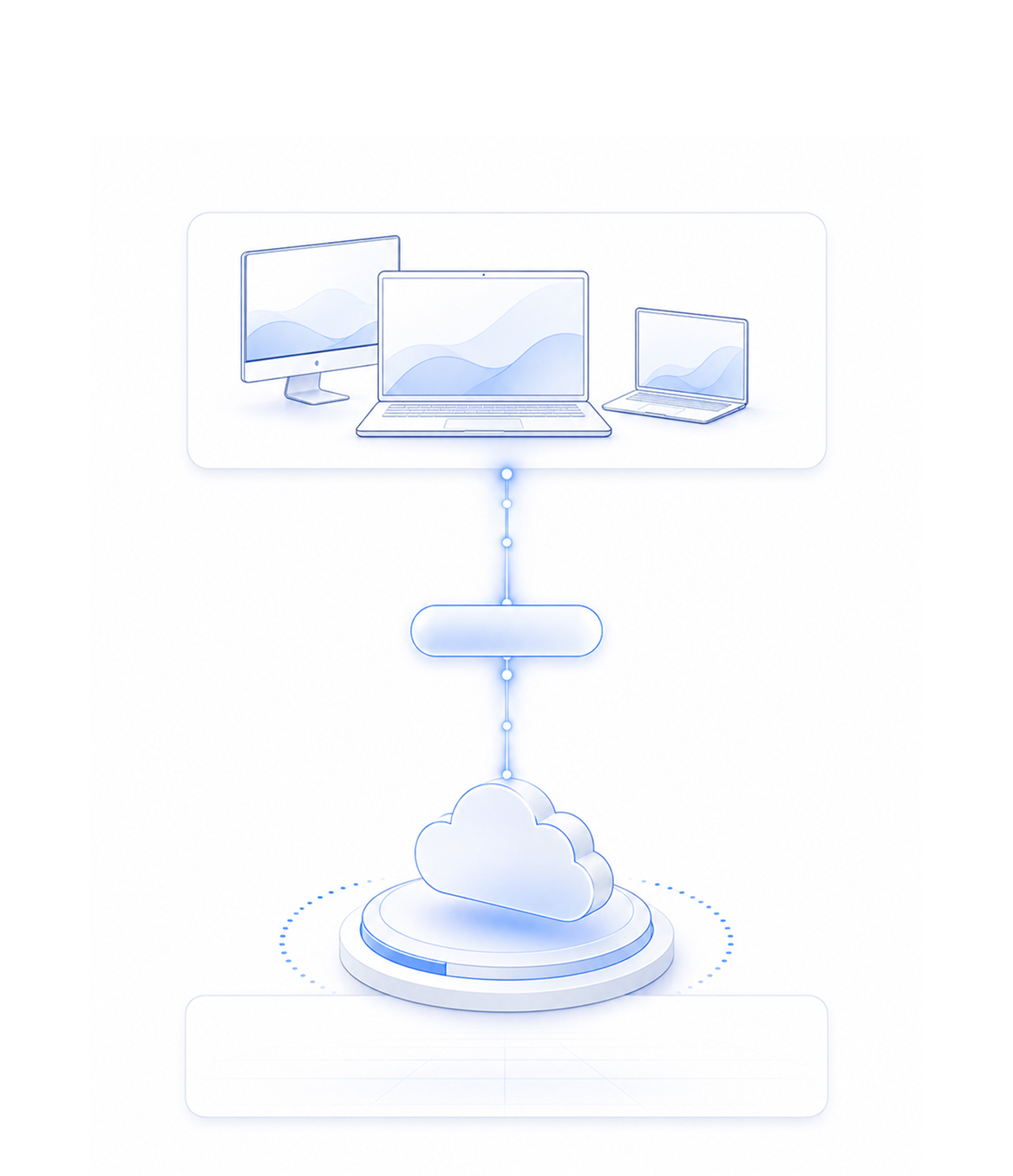
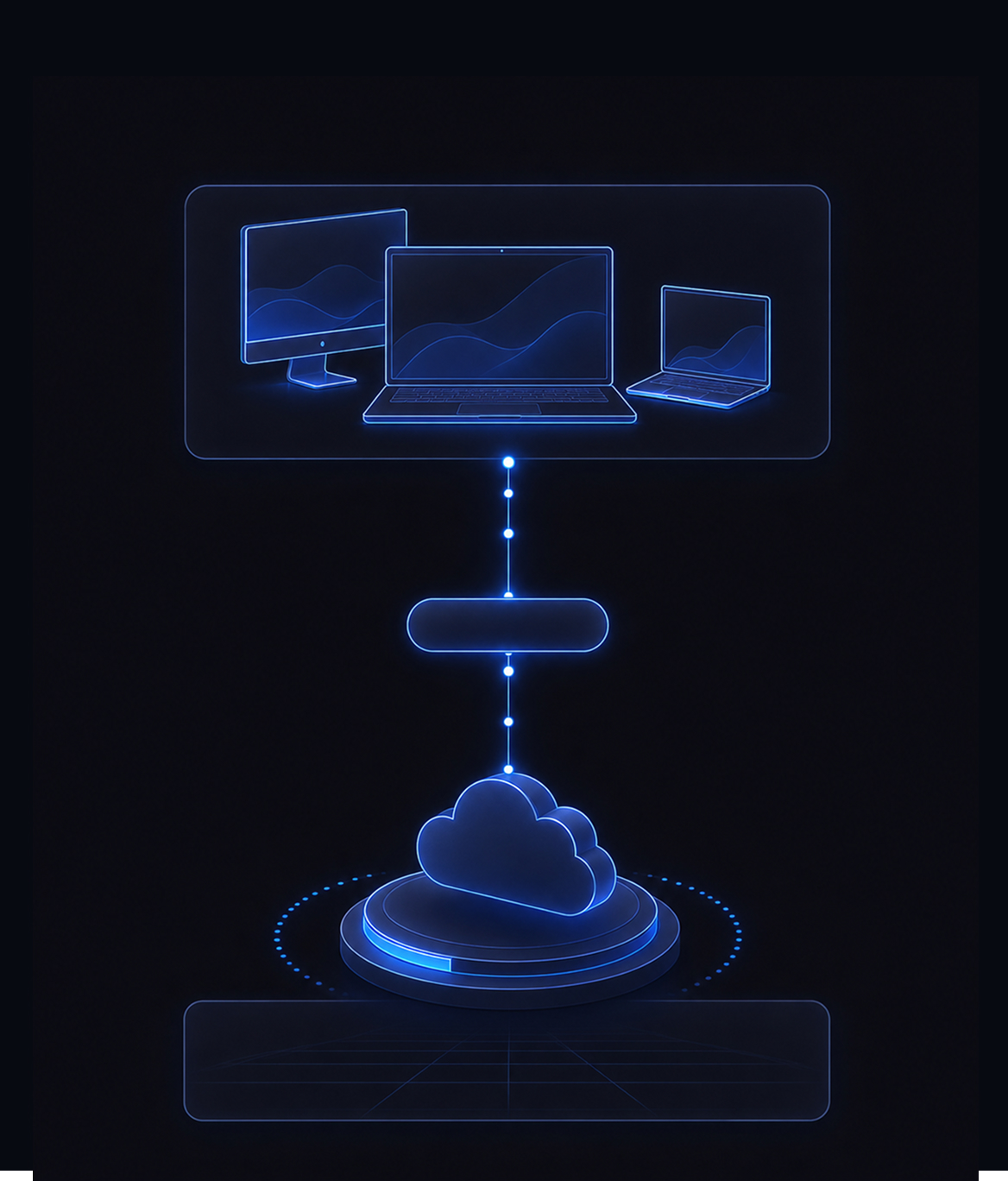 LinkAI API Key
LinkAI ModelHub
https://api.linknlink.ai/modelhub/v1
LinkAI API Key
LinkAI ModelHub
https://api.linknlink.ai/modelhub/v1
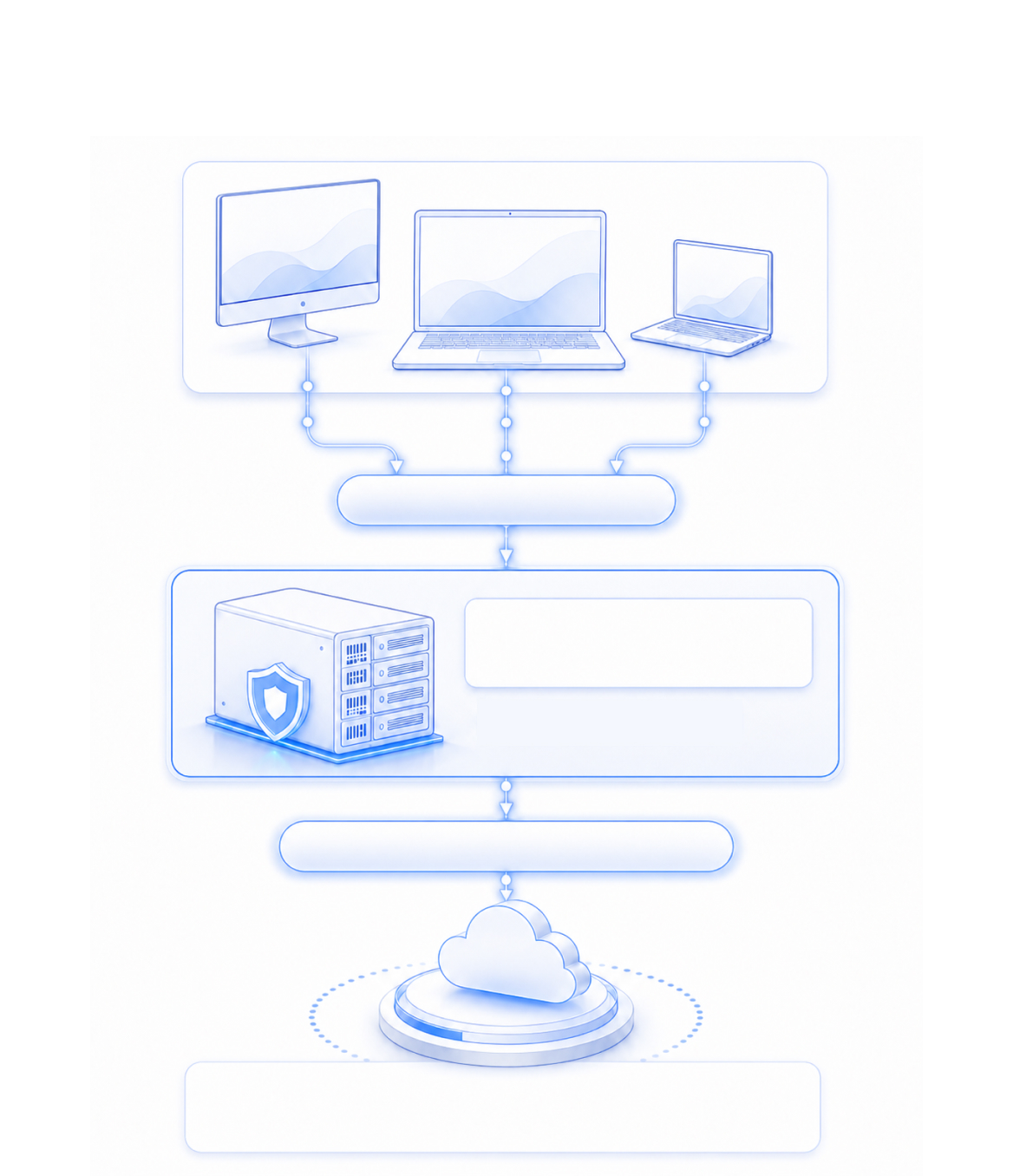
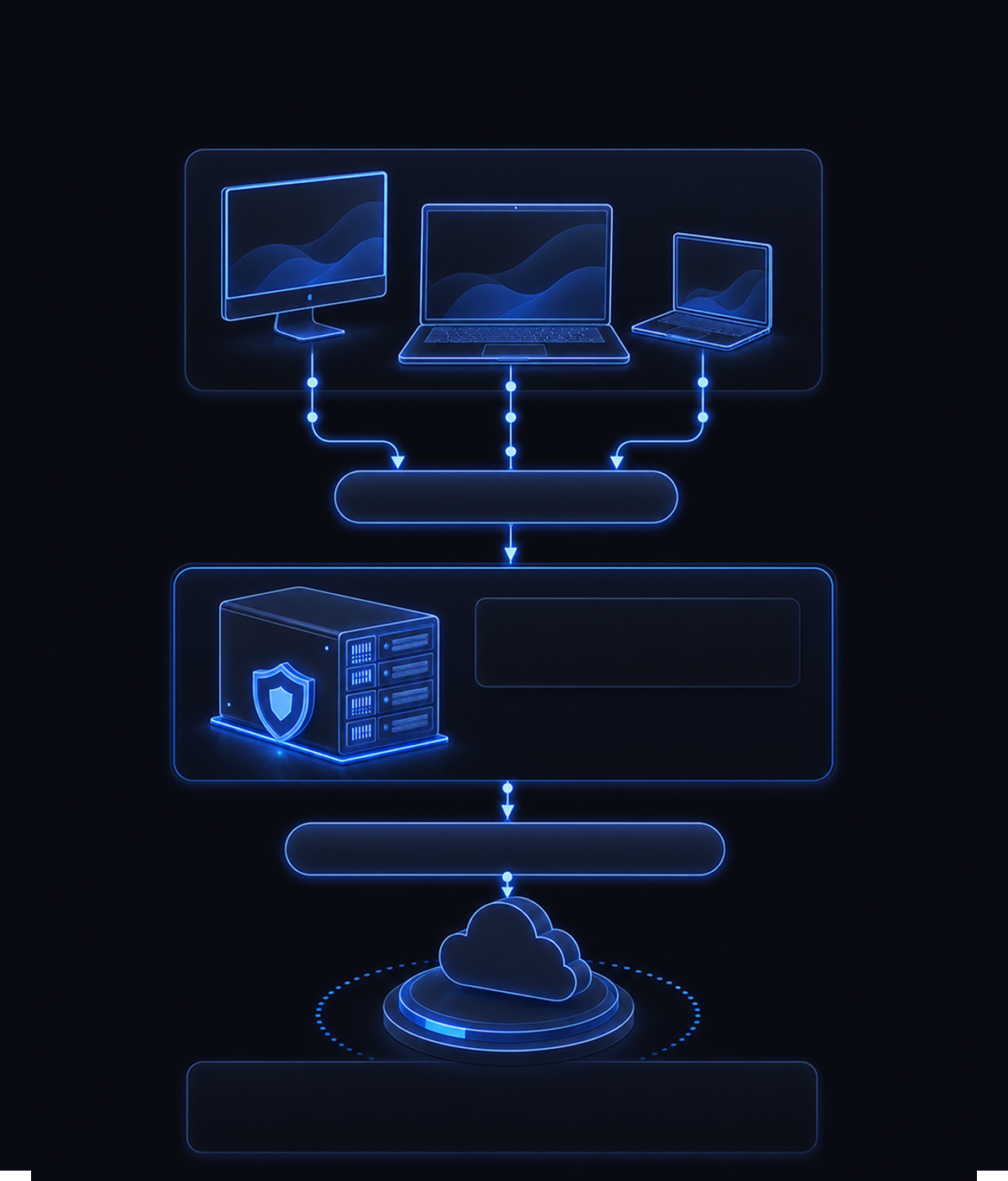 LinkAI Local API Key
Linux PC
Enterprise local gateway
http://local-ip:18080/v1
LinkAI API Key
LinkAI ModelHub
https://api.linknlink.ai/modelhub/v1
LinkAI Local API Key
Linux PC
Enterprise local gateway
http://local-ip:18080/v1
LinkAI API Key
LinkAI ModelHub
https://api.linknlink.ai/modelhub/v1
Keep the real LinkAI API Key inside your company and give members manageable local keys.
Team members connect to the internal address http://local-ip:18080/v1, so each PC does not need its own external API configuration.
The LinkAI API Key stays on the enterprise Linux PC. Members use local keys, reducing leakage and misuse risk.
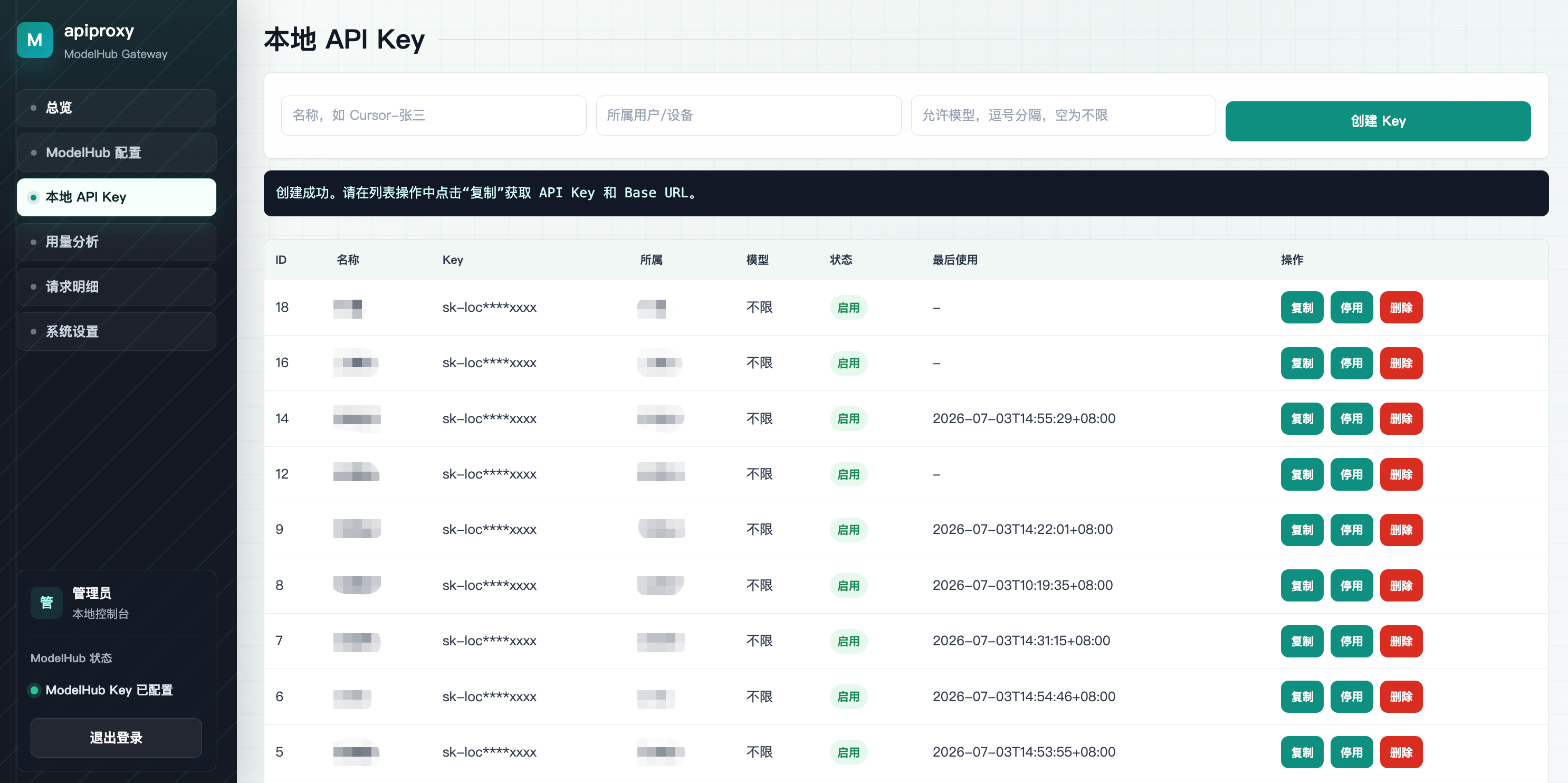
Issue local keys for members, devices, or projects, then disable them when someone leaves, changes machines, or a project ends.
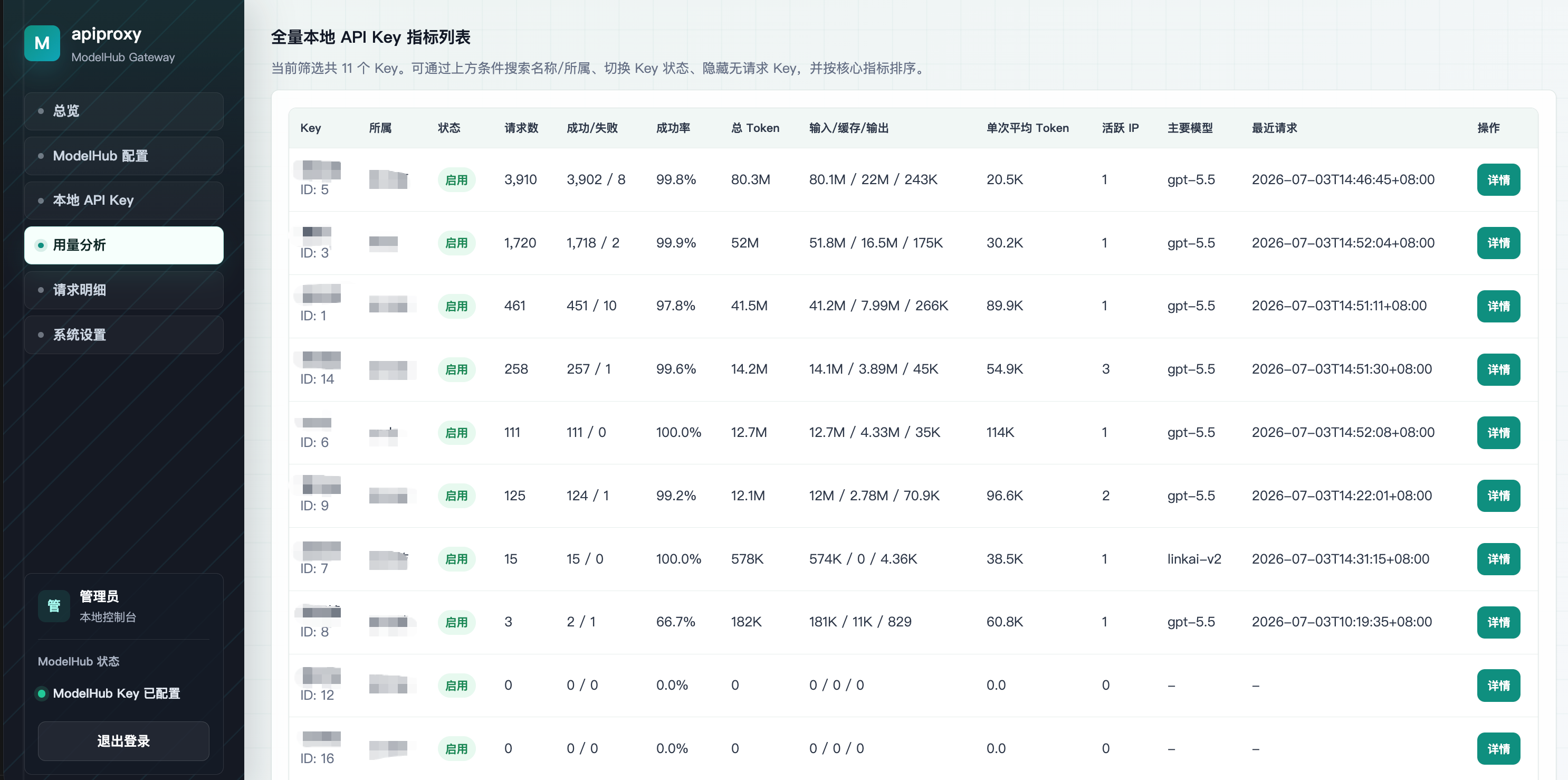
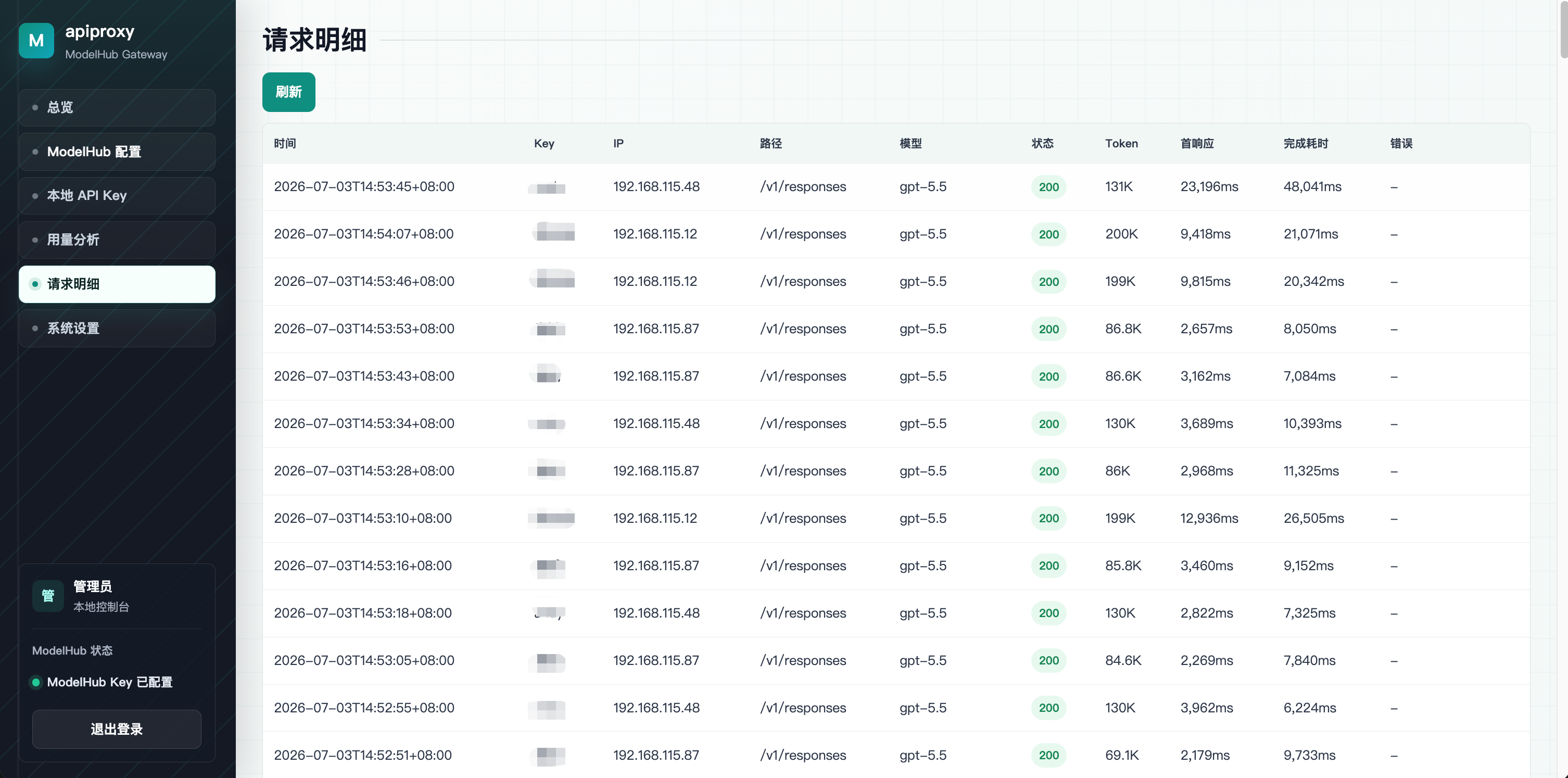
All requests pass through the local gateway first, making it easier to review call history, find abnormal spend, and diagnose failed requests.
Only the Linux PC needs to access LinkAI ModelHub, simplifying firewall, proxy, audit, and allowlist setup.
OpenAI-compatible tools such as Codex and Cursor only need a base_url and local key change. The calling experience stays the same.
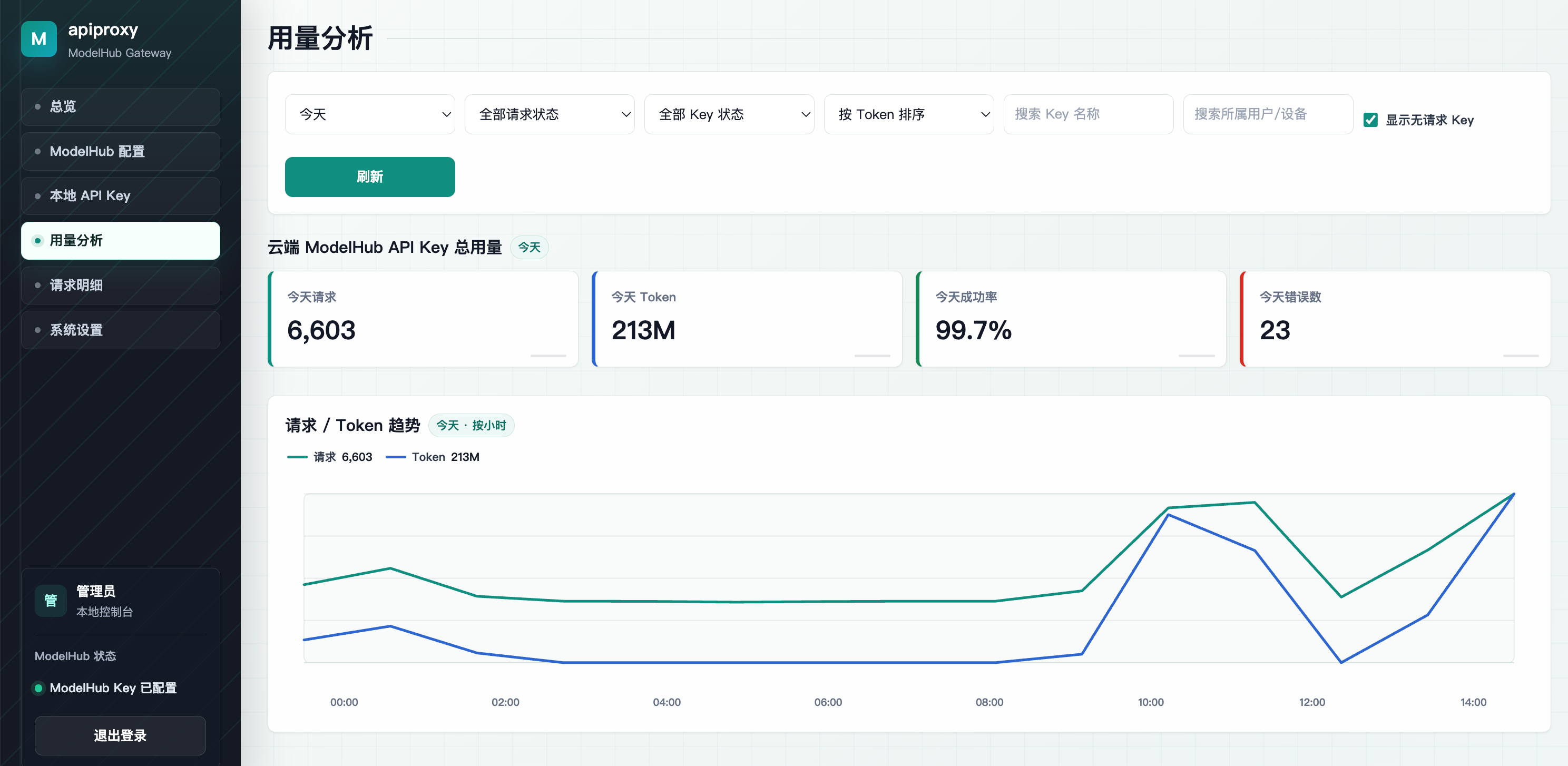
Administrators can view team usage, trace employee requests, and create local keys from the gateway console.
The deployment guide will cover Linux installation, Local API Key setup, and client configuration.